
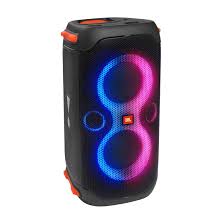

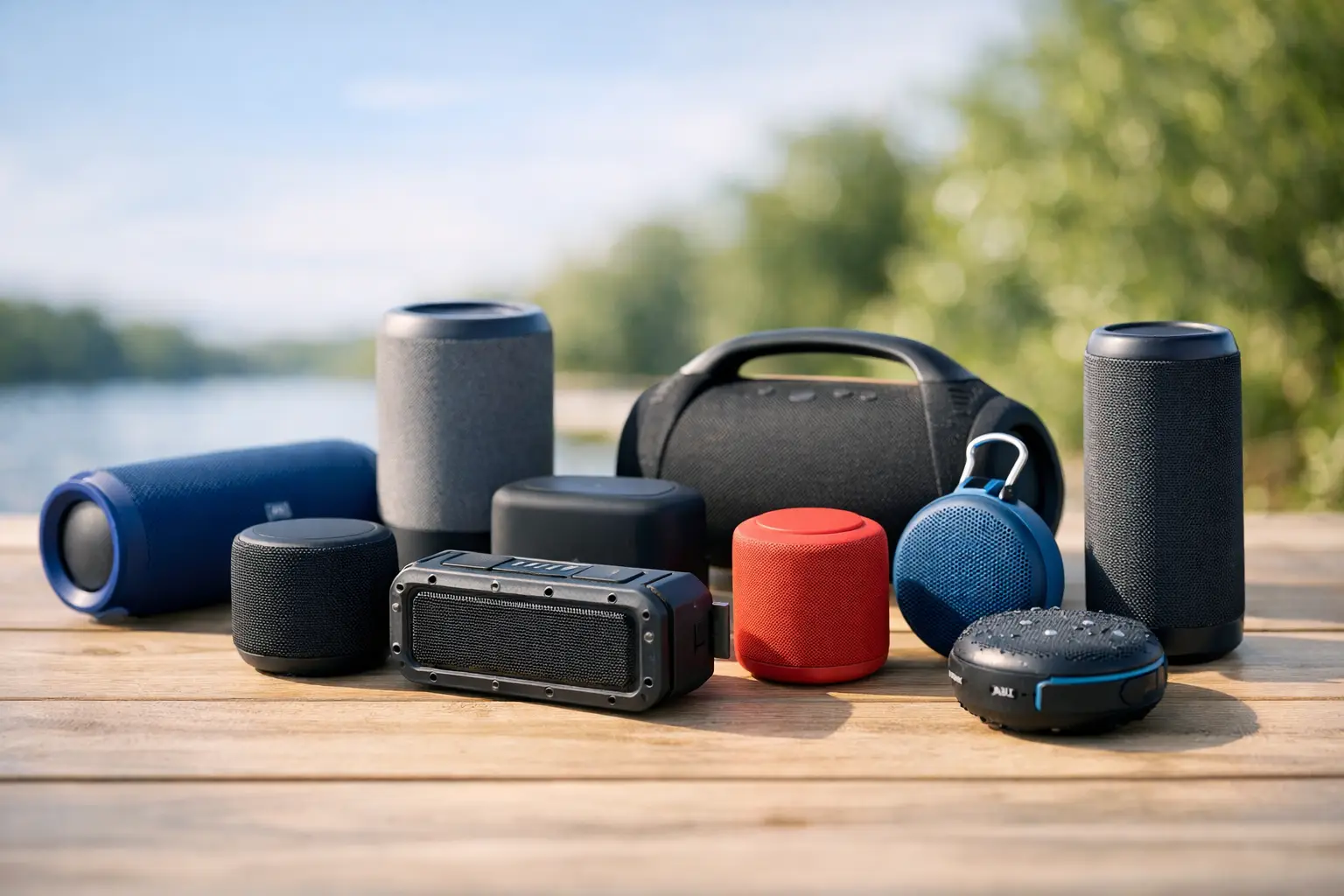
10 Best Portable Bluetooth Speakers
A speaker looks great on a product page until you actually carry it to the pool, toss it in a backpack, or try to fill a backyard with sound. That is where the best portable bluetooth speakers separate themselves from the rest. Some are compact and easy to travel with, some are built for bigger sound, and some win on pure value. The right pick depends less on hype and more on where and how you plan to use it.
What makes the best portable bluetooth speakers worth buying?
For most shoppers, portability is not just about small size. It is about getting useful sound without adding hassle. A good portable speaker should be easy to carry, quick to pair, and able to last through a full day out without hunting for a charger.
Sound quality still matters most, but it comes with trade-offs. Smaller speakers are easier to pack and usually more affordable, yet they often have less bass and lower max volume. Larger models can sound fuller and louder, but they are not as easy to move around. If you want something for beach days and weekend trips, compact wins. If you want something for cookouts and living room use, a bigger portable model may be the better buy.
Durability is another big factor. Many shoppers now expect some level of water resistance, and for good reason. A portable speaker is more likely to end up near a sink, pool, patio, or park than a standard home speaker. Battery life also matters more than brands sometimes suggest. A quoted 20-hour battery can drop fast at higher volume, so it helps to treat official numbers as best-case estimates.
Best portable bluetooth speakers by type of buyer
There is no single perfect model for everyone, which is why shopping by use case makes more sense than chasing one “top” speaker.
For everyday value shoppers
If your goal is simple – solid sound, good battery life, and a fair price – look for speakers in the budget to mid-range category. These models usually give you the best mix of portability and performance. You may give up premium materials or extra features like app-based EQ controls, but many affordable speakers now sound surprisingly good for casual listening.
This is the sweet spot for students, apartment dwellers, and gift shoppers. If you mainly stream playlists, podcasts, and background music, you do not always need the most expensive option. A speaker with balanced sound, dependable Bluetooth, and splash resistance can be the smarter buy than a feature-packed model that costs twice as much.
For outdoor use and travel
Outdoor buyers should focus on ruggedness first, then volume. A speaker that is waterproof, dust-resistant, and wrapped in grippy material will usually hold up better than a polished indoor-style design. Clip-on and bottle-sized speakers are especially handy for travel, hiking, and day trips because they fit where bulkier units do not.
The trade-off is sound scale. Very compact outdoor speakers are convenient, but they can sound thin in open spaces. If you need music for a picnic table, campsite, or small group, a midsize speaker often hits the better balance between portability and usable volume.
For parties and bigger rooms
If you want stronger bass and room-filling sound, go bigger. A larger portable Bluetooth speaker can work well for patios, garages, game nights, and casual parties. Many of these models also include stereo pairing or party mode, which can help create a wider, louder sound.
Just keep expectations realistic. “Portable” in this category often means carryable, not pocket-friendly. These speakers are still movable, but they are better for car trips and home use than everyday backpack carry.
For premium sound shoppers
Some buyers care less about price and more about getting cleaner detail, deeper bass, and better overall tuning. Premium portable speakers can absolutely deliver that, especially indoors or in quieter spaces where you can hear the difference.
Still, value matters here too. If your listening is mostly casual and on the go, paying more may not change your experience as much as you expect. Premium models make the most sense for buyers who use one speaker often and want it to feel like a daily upgrade, not just an occasional gadget.
How to compare portable Bluetooth speakers without overthinking it
A lot of listings throw around specs that sound impressive but do not always help you decide. The fastest way to narrow the field is to focus on a few practical questions.
First, where will you use it most? If it is mainly for the kitchen, bedroom, or desk, a smaller speaker is usually enough. If you want it for outdoor gatherings, look at midsize and larger models with stronger low end and better battery life.
Second, how much abuse will it take? If you are shopping for vacations, pool days, or kids, build quality matters. Water resistance and rubberized protection can end up being more valuable than a slight improvement in sound.
Third, do you care more about bass or balance? Some speakers push bass hard to sound exciting at first, but that can muddy vocals. Others aim for a cleaner, more balanced sound that works better across different genres. Neither is automatically better. It depends on whether you listen to bass-heavy playlists, talk radio, acoustic tracks, or a little of everything.
Fourth, what is your real budget? This sounds obvious, but it helps to shop with a ceiling in mind. There are strong options at entry-level prices, especially if you prioritize core features over extras. Eliteiias works best for shoppers who want to compare options quickly instead of bouncing between dozens of separate stores.
Features that actually matter before you buy
Battery life deserves a close look because it affects daily convenience more than almost any other feature. If you hate frequent charging, look beyond minimum claims and aim for something rated comfortably above your expected use. A speaker that lasts all weekend at low volume may only get you one evening at high volume.
Bluetooth range is also worth checking, especially if you move around a lot at home or outside. Stable pairing can make a basic speaker feel much better to use. Newer Bluetooth versions may improve efficiency and connection quality, but most casual buyers will notice reliability more than version numbers.
Charging method is another easy win. USB-C is now the more convenient standard, and it is one less cable to think about if your phone and other devices already use it.
Microphone support, voice assistant compatibility, app control, and customizable EQ can be nice bonuses, but they should not distract from the basics. If the speaker is awkward to carry, sounds weak at normal volume, or dies too quickly, the extras will not save it.
Common mistakes shoppers make with the best portable bluetooth speakers
One of the biggest mistakes is buying too small for the space. Tiny speakers can be great for personal listening, but they often disappoint in backyards, parks, and group settings. If you regularly listen around other people, moving up one size category can make a noticeable difference.
Another mistake is paying for rugged features you will never use. If your speaker will live indoors and move from room to room, you may get better value from a model that puts more of the budget into sound quality instead of extreme durability.
Shoppers also tend to overestimate how much power they need. Bigger and louder is not always better in apartments, offices, or bedrooms. In smaller spaces, a balanced compact speaker can be more enjoyable than a booming one that only sounds good at high volume.
Finally, do not judge based on one flashy feature. LED lights, oversized bass claims, or a dramatic design can grab attention, but they do not always translate into better everyday use. Convenience and consistency usually matter more after the first week.
How to choose the best portable bluetooth speakers for your budget
If you are shopping under a tight budget, aim for the basics done well. Good Bluetooth performance, decent battery life, clear sound, and at least some water resistance should be the priorities. You can find plenty of strong everyday speakers without spending premium money.
In the mid-range, you start seeing the best balance of features and performance. This is often where the smartest buys live. You may get better bass, longer battery life, stronger durability, and cleaner design without stepping into luxury pricing.
At the higher end, focus on what you will genuinely use. Better sound can be worth it, especially if the speaker will be part of your daily routine. But if portability is your top goal, the most expensive model is not always the most practical one.
The best shopping approach is simple: match the speaker to your routine, not to marketing. A compact speaker for travel, a rugged one for outdoor days, or a larger portable model for entertaining can all be the right choice. The best deal is the one that fits how you actually listen.
A portable speaker should make music easier to enjoy, not harder to shop for. Start with your space, your habits, and your budget, and the right option gets a lot easier to spot.